Amazon’s Kindle Previewer 4: What’s New and What It Means for eBook Publishers
Discover the essential updates in Kindle Previewer 4. Learn how this new version improves Enhanced Typesetting and why eBook publishing workflows must adapt to Amazon’s latest quality standards.
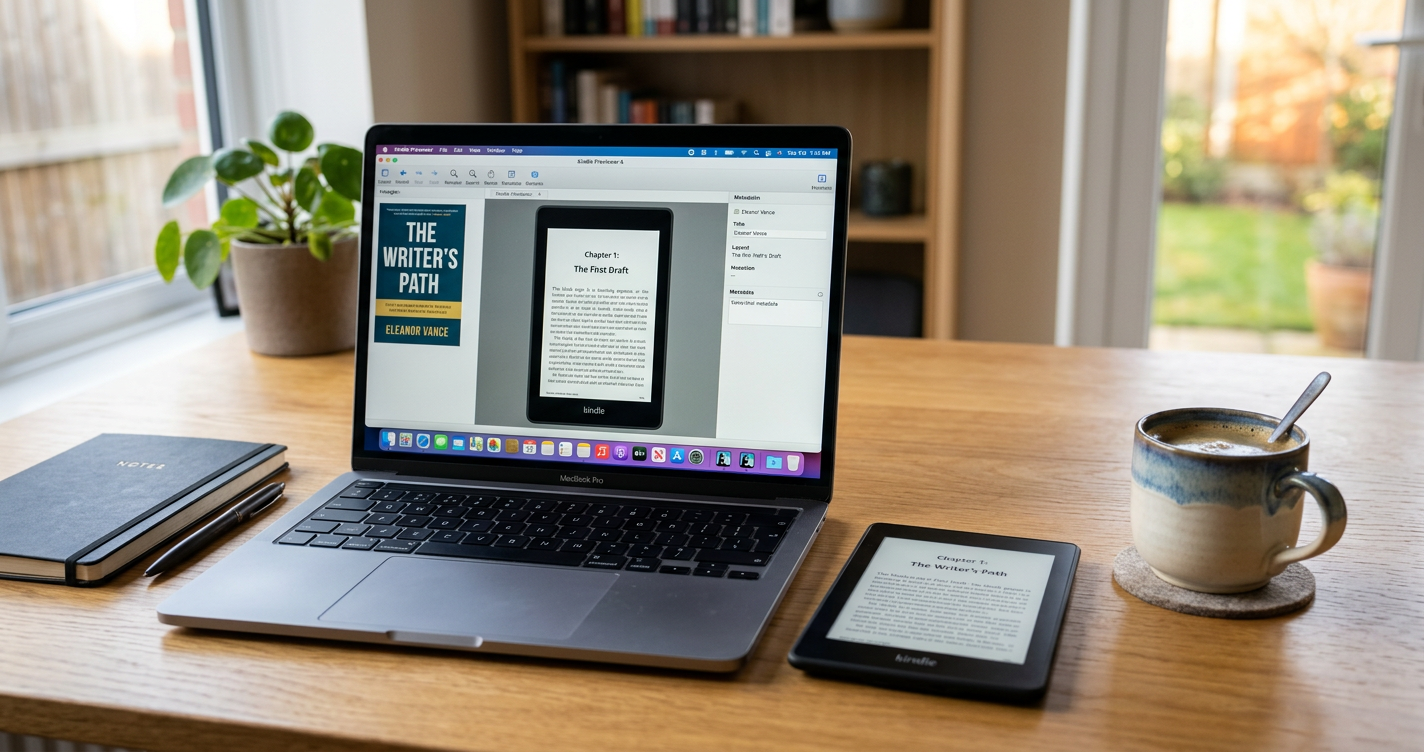
Amazon recently released Kindle Previewer 4, a major update to the desktop software used by authors and publishers to validate digital books. This tool acts as the final gatekeeper in the Kindle publishing process. It allows creators to see exactly how their files will appear on various devices, from the high-end Kindle Scribe to the mobile Kindle app on iOS and Android. With Kindle Previewer 4, Amazon has officially moved away from supporting version 3, making this a mandatory transition for professional workflows.
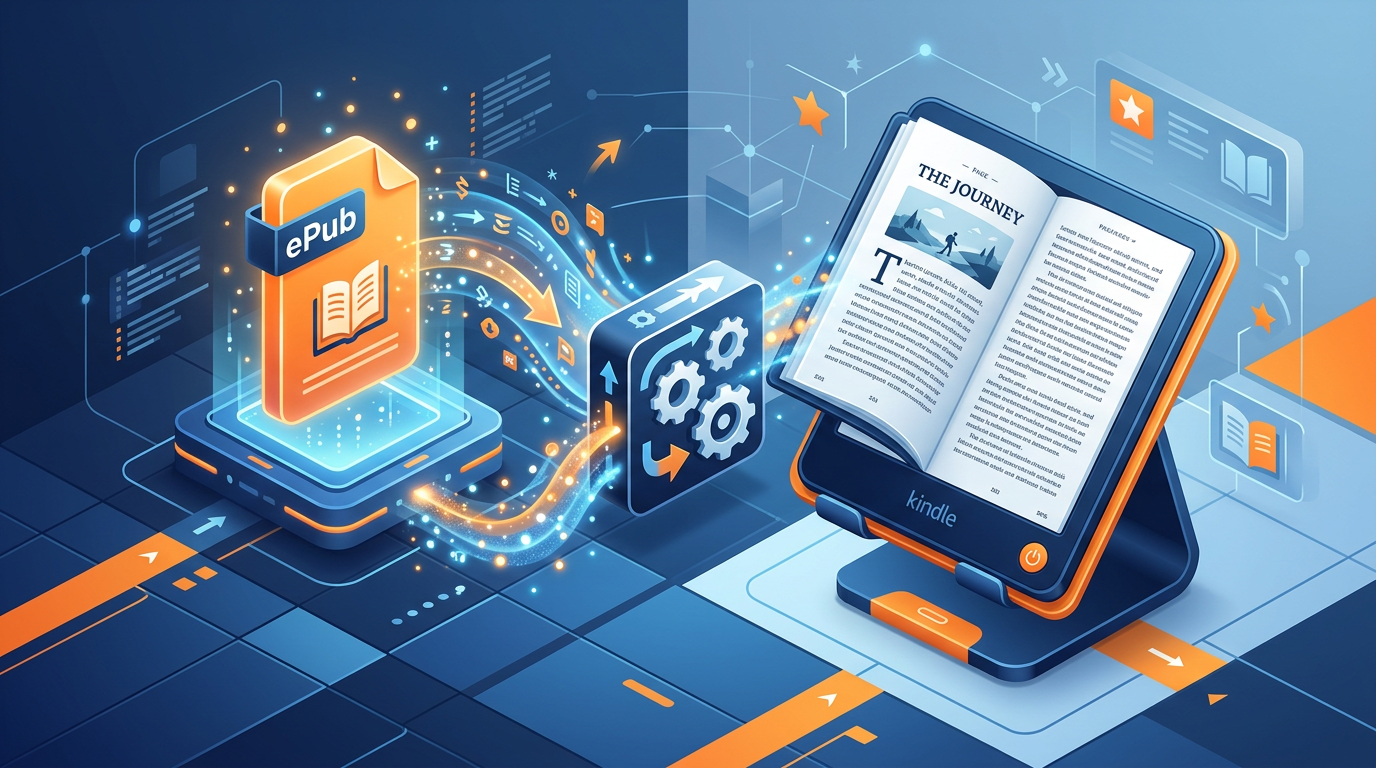
Understanding Kindle Previewer 4 and the Shift to EPUB
For years, the industry relied on proprietary formats, but the landscape has changed. Amazon now prioritizes the EPUB format for reflowable books. Kindle Previewer 4 is built to handle these files with higher precision than its predecessors. While Kindle Previewer 3 introduced the concept of Enhanced Typesetting, the fourth version refines the engine to better reflect current device firmware. If you are creating an EPUB for your next release, this software is the only way to verify that your CSS and layout will hold up under Amazon’s conversion process.
What Is New in Kindle Previewer 4?
The most significant change in Kindle Previewer 4 is the deeper integration of the Enhanced Typesetting (ETS) engine. In previous versions, authors could sometimes disable certain formatting features, but Amazon has now made Enhanced Typesetting mandatory for most reflowable titles. This ensures readers get better fonts, cleaner spacing, and improved image handling.
Updated Device Profiles: Version 4 includes the latest hardware profiles, including the newest generations of Paperwhite, ensuring your media queries work as intended.
Improved Validation Reports: The software now provides more granular feedback on why an EPUB might fail to convert or why specific features like "Ask This Book" might not function correctly.
Performance Optimization: The rendering engine is significantly faster, allowing for quicker page-turning simulations in the preview window.
Kindle Previewer 4 vs. Online Previewer
Many authors wonder why they should download a desktop app when KDP offers an Online Previewer during the upload process. The difference lies in the level of detail. The Online Previewer is a convenient summary tool, but Kindle Previewer 4 provides a local environment that does not require an internet connection for every page turn. It also allows for much easier debugging of complex elements like drop caps and sidebars, which are common hurdles in video game publishing manuals and technical guides.
The Impact on eBook Publishing Workflows
For eBook publishing professionals, the deprecation of version 3 means that old KPF (Kindle Package Format) files may need to be re-exported to take advantage of the latest features. One major change is how Kindle now handles DRM-free books. Starting in early 2026, readers can download books in EPUB and PDF formats directly, making cross-platform compatibility more important than ever. Kindle Previewer 4 helps you ensure your book looks great not just on a Kindle, but also when sideloaded to other apps.
The shift to Kindle Previewer 4 reflects Amazon’s goal of making digital books feel more like print through superior typography and automated layout adjustments.
Enhanced Typesetting and AI Features
Amazon’s recent algorithm updates and the introduction of AI-powered features like "Story So Far" and "Ask This Book" rely on structured data within the eBook file. Kindle Previewer 4 checks if your document structure allows these features to activate. If your headings are not properly tagged, the AI summaries may fail to generate, potentially hurting your book’s engagement metrics. Because KDP now uses a 7-day rolling sales velocity and post-purchase engagement to determine rank, ensuring your book is technically perfect is a vital part of learning it through practice and professional tools.
FAQ: Frequently Asked Questions
Do I have to upgrade to Kindle Previewer 4?
Yes. Amazon no longer supports Kindle Previewer 3. To ensure your files meet the latest KDP standards, you must use the most recent version of the software.
Can I still use MOBI files?
No. MOBI is no longer accepted for new reflowable eBook uploads. You should use EPUB or clean DOCX files and validate them in the new previewer.
Does Kindle Previewer 4 cost money?
No, the software is free to download from the Amazon KDP website for both Windows and macOS users.
Kindle Previewer 4 is more than just a minor update; it is a necessary tool for the modern publisher. As Amazon moves toward a more open ecosystem with EPUB support while simultaneously tightening rules around Enhanced Typesetting, having a reliable way to check your work is essential. By integrating this tool into your quality assurance phase, you can catch formatting errors before they reach your readers and impact your reviews.
Sources
Disclaimer: Images in this article are AI-generated.
About the Author
Publishing Journeyman
The Publishing Journeyman shares practical guides, eBook formatting tips, and self-publishing insights to help authors navigate every step of their publishing journey.
Leave a Reply
0 Comments
Loading comments...